Product Tutorials
Insights Tutorial
How to use the Insights feature.
If you’re looking to understand your performance better, the Insights feature is a powerful tool to track your progress and see where you stand. Here’s how to use it!
How to use Insights:
- On the lefthand side of the dashboard, go to Insights.
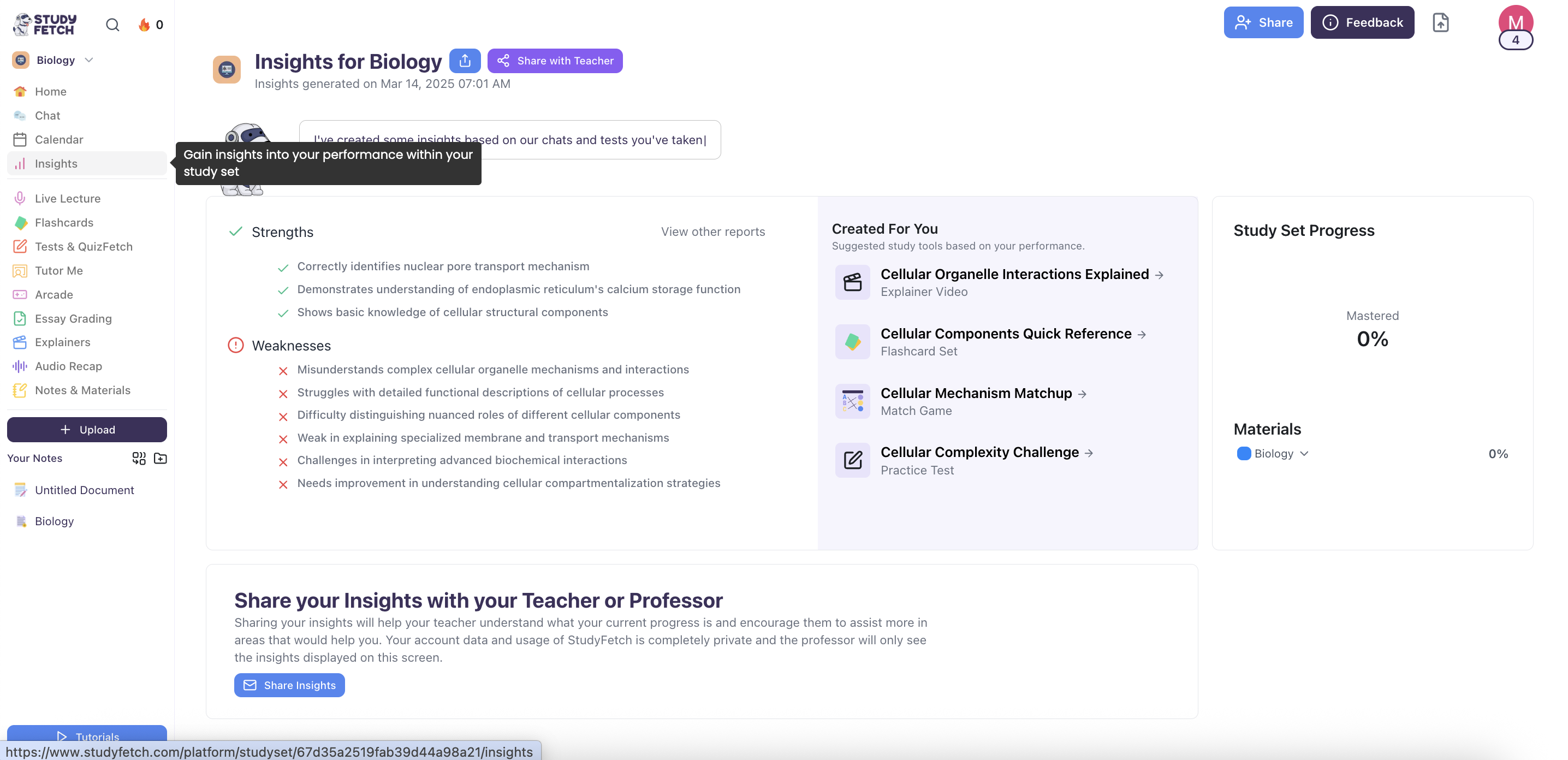
- You’ll instantly see insights generated from your past activity on a specific study set—whether from tests, flashcard sessions, or conversations with the AI Tutor.
What it can show you:
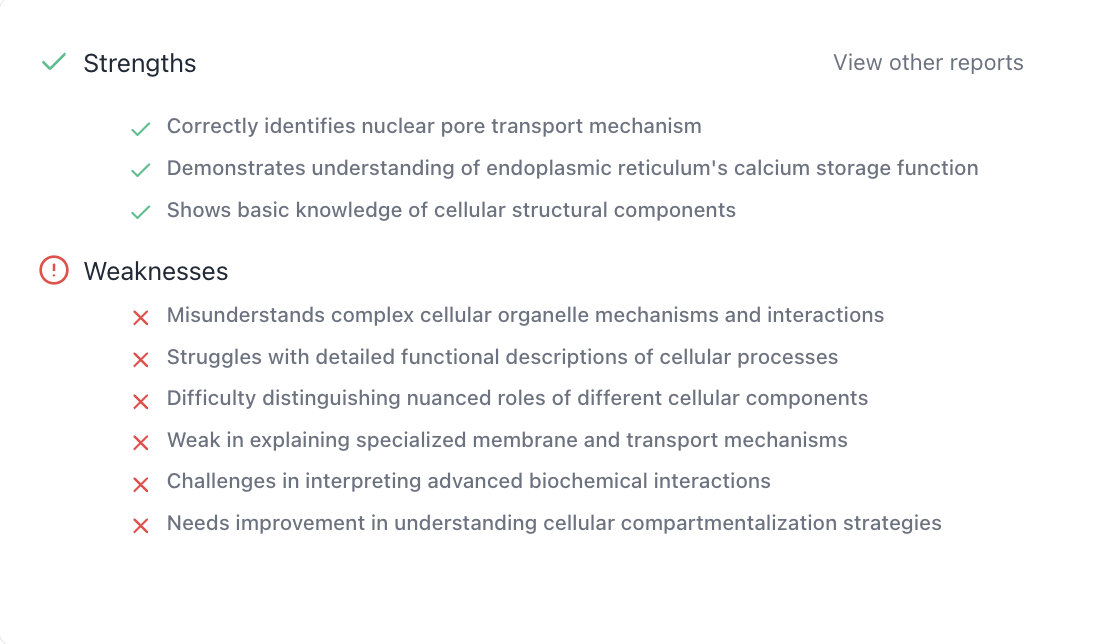
- Your strengths and weaknesses when it comes to understanding certain topics, ideas, or concepts will be explained.
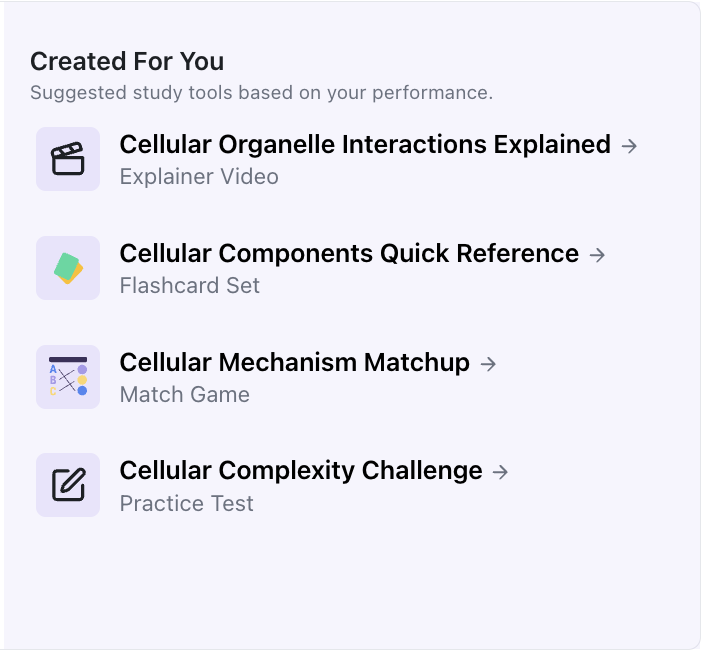
- Suggested study tools will be provided for you based on your past performance. If you're having trouble catching up with flashcards, then those can be created for maximum retention. Click on any of the suggested study tools to start studying!
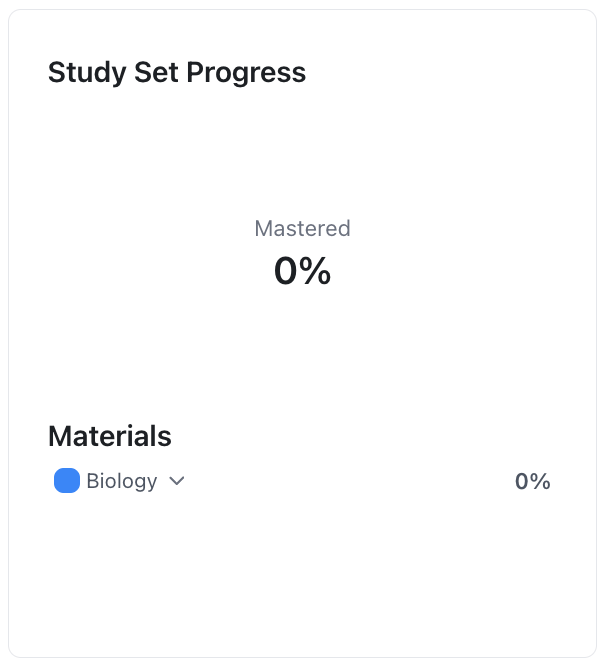
- Your Study Set Progress will be tracked here, giving you a clear view of how far you’ve come and whether you’ve mastered the set.
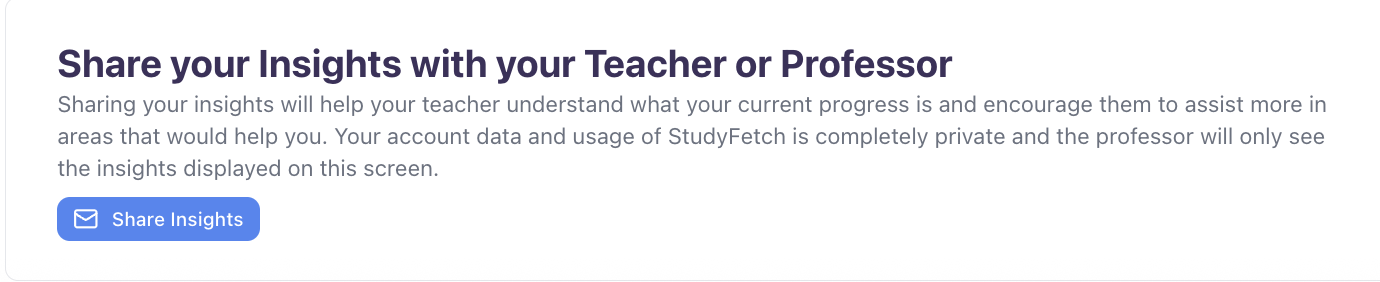
- You can also share your insights with your teacher or professor, allowing them to better support you in the areas where you need the most help.