
Product Tutorials
Test Features and Benefits
Test Features and Benefits
- Customizable Question Types: Choose from multiple choice, free response, fill-in-the-blank, and more
- Targeted Testing: Focus on specific topics or broader subject areas
- Immediate Feedback: Get instant grading and explanations for each question
- AI-Powered Review: Ask Sparky to explain concepts you didn't understand
- Exam Preparation: Practice with formats similar to standardized tests
- Integration with Other Tools: Your tests can be used to generate flashcards, quizzes, and other study materials. You can create new study resources directly from your test by selecting Turn Into at the top of the Test Results page
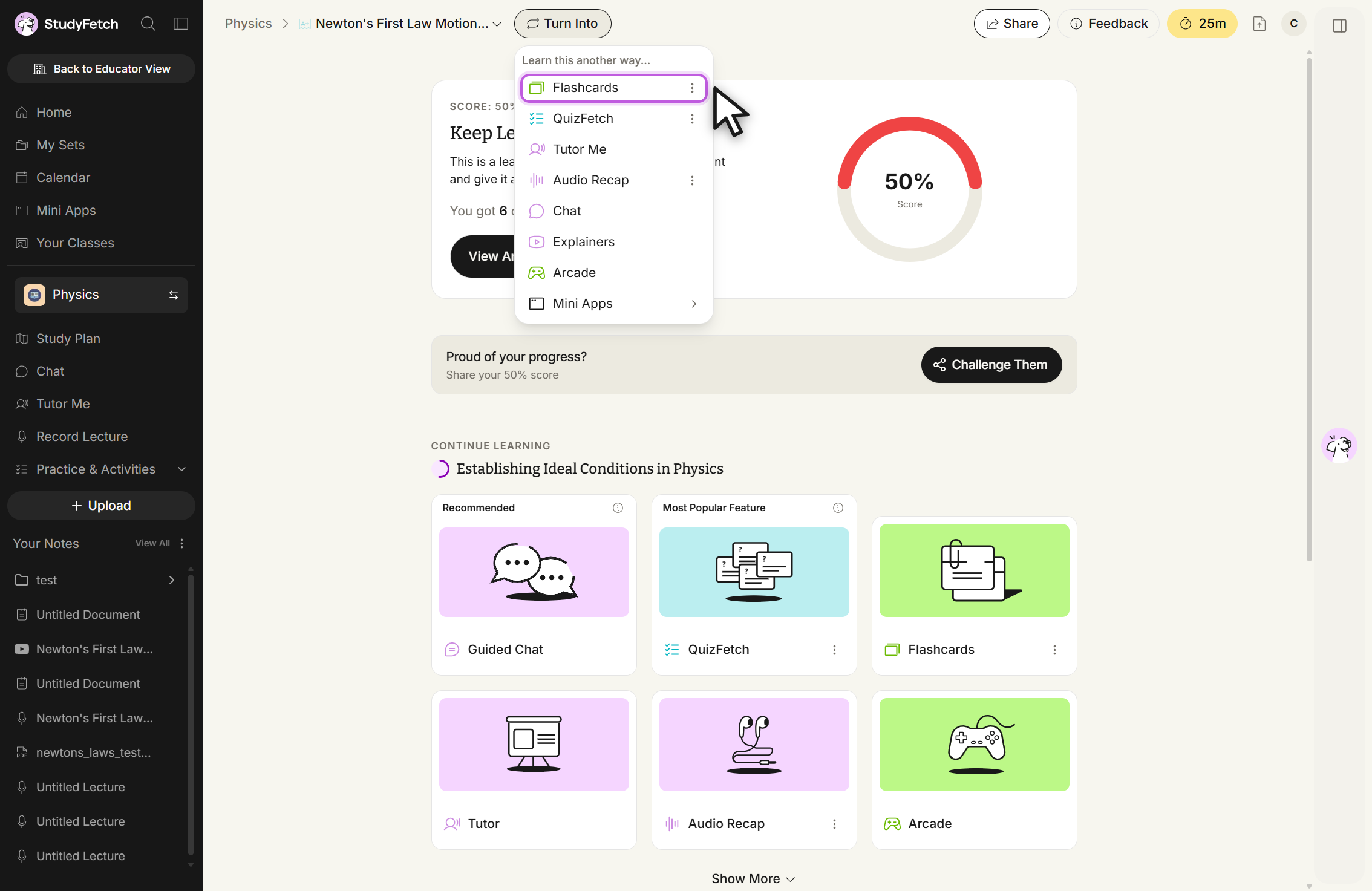
or from the top toolbar while taking a test, then choosing your desired study tool.
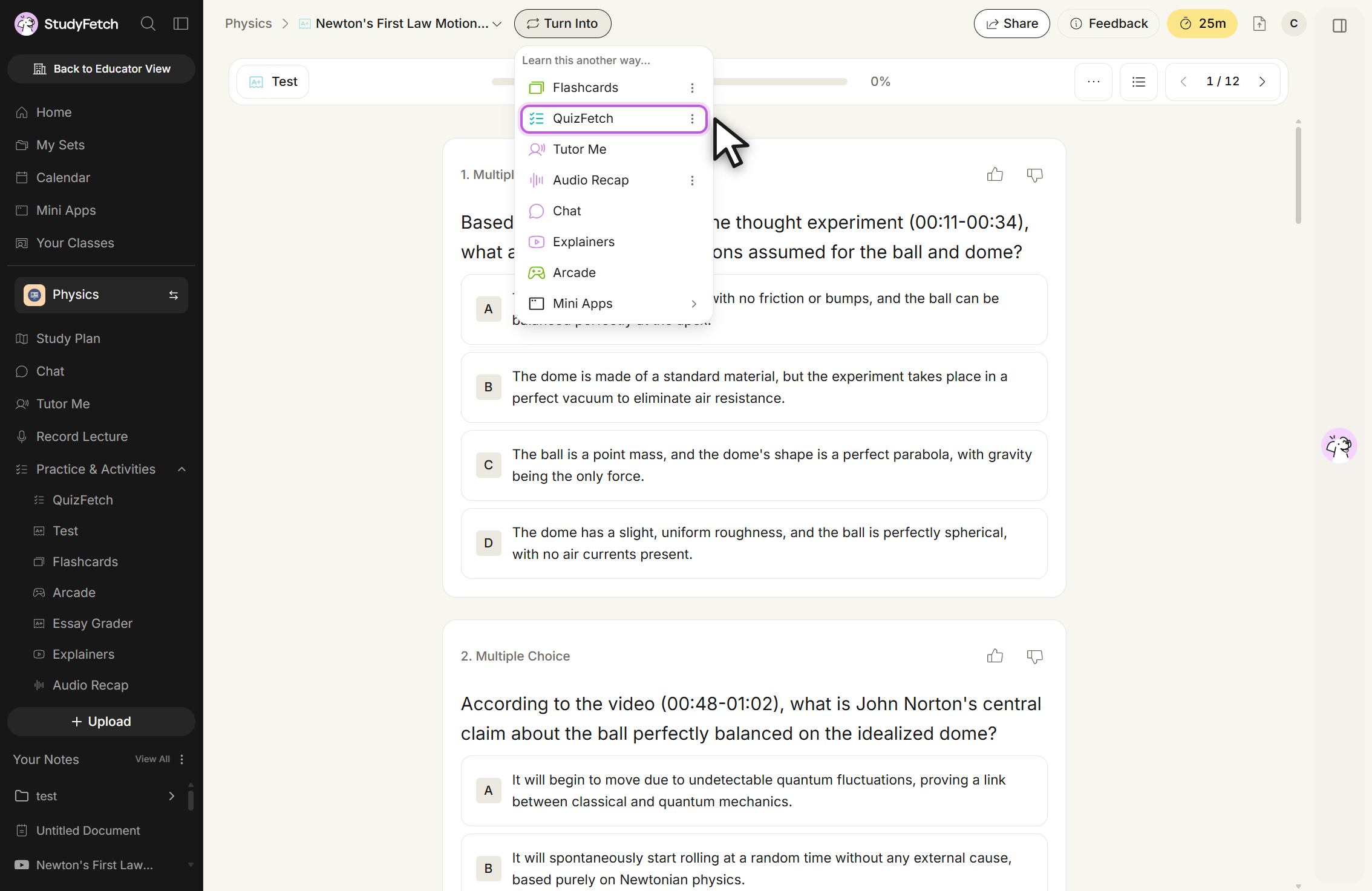
You can also generate study materials from within each feature's respective section.
Related Features
After using the Test feature, you may want to:
- Try QuizFetch for a more game-like testing experience
- Create Flashcards to memorize concepts you struggled with
- Generate Notes for topics that need further review