Open Audio Recap
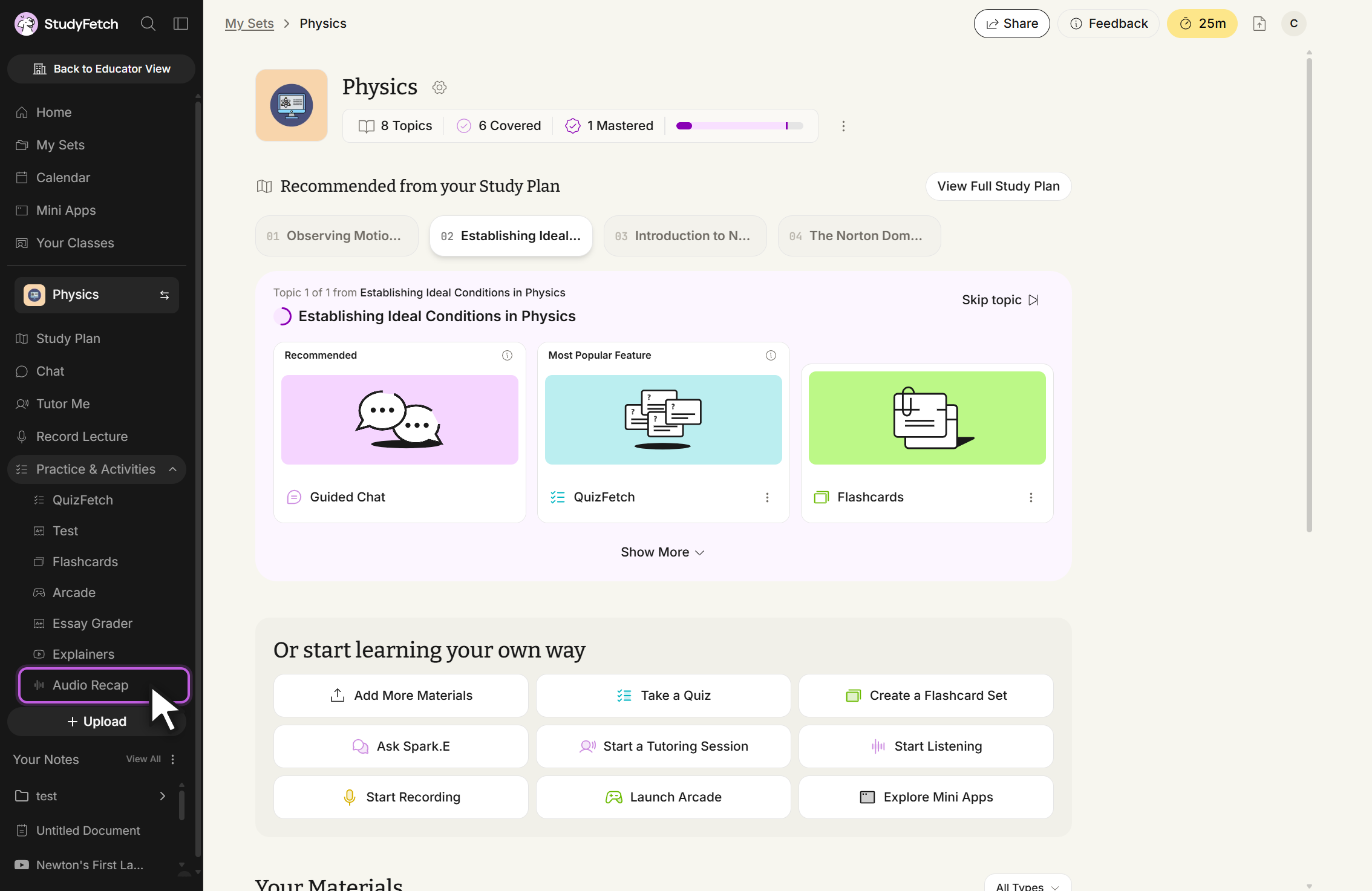
Go to Audio & Video, then select Audio Recap.
 StudyFetch Academy
Product Tutorials
Audio Recap turns study materials or a topic into an audio summary you can listen to while reviewing on the go. Use this page to open Audio Recap, start a new recap, and choose the source.
Go to Audio & Video, then select Audio Recap.
Create from existing materials or generate from a topic.
Use a focus topic to shape the output.
On the left-hand side of your dashboard, click Audio & Video, then select Audio Recap.
The Audio Recaps page lists existing recaps for the current study set and lets you start a new one.
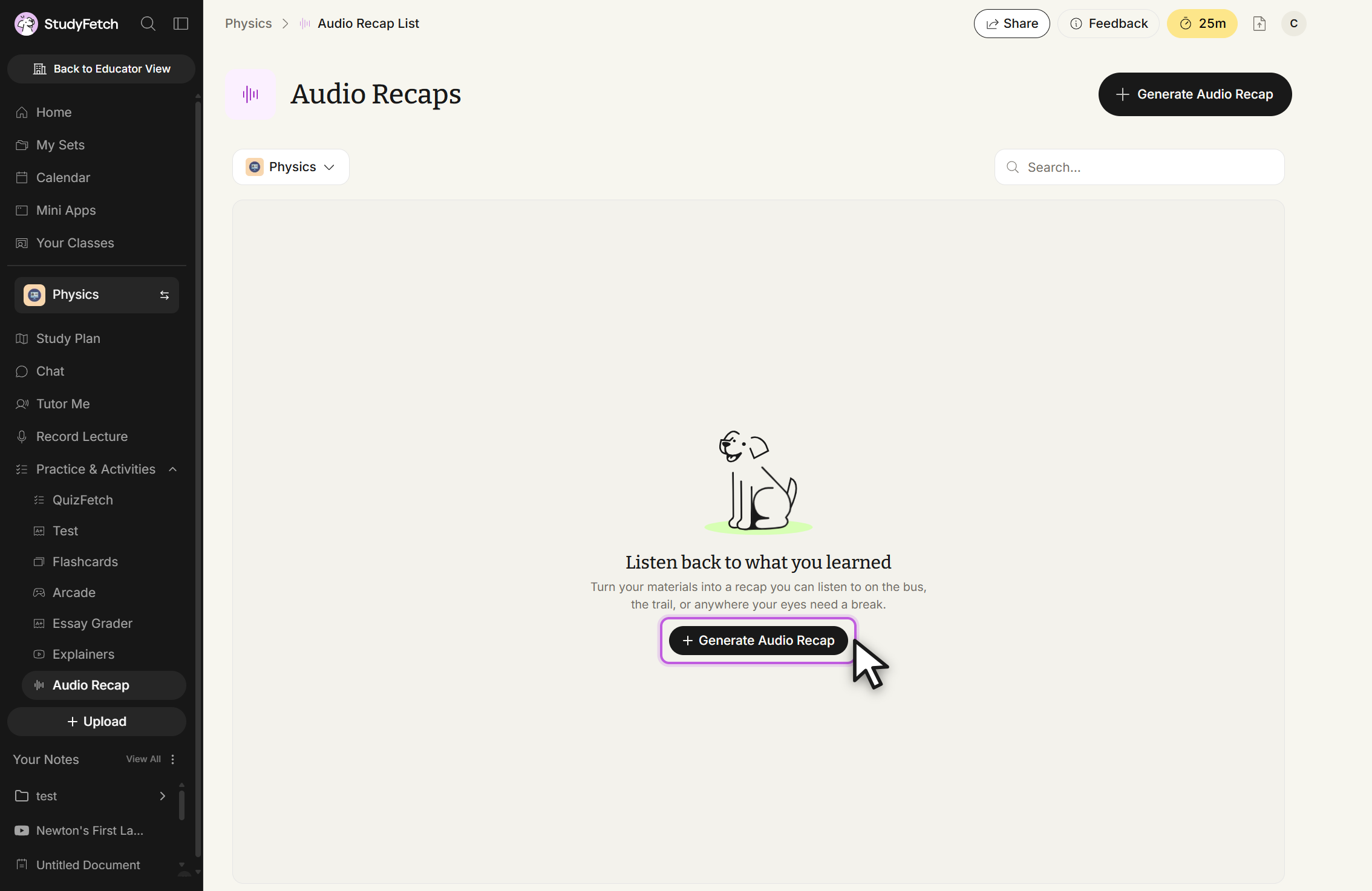
To open a specific Audio Recap, click its name in the list.
Select + Generate Audio Recap from the top right of the Audio Recaps page to begin the three-step creation flow.
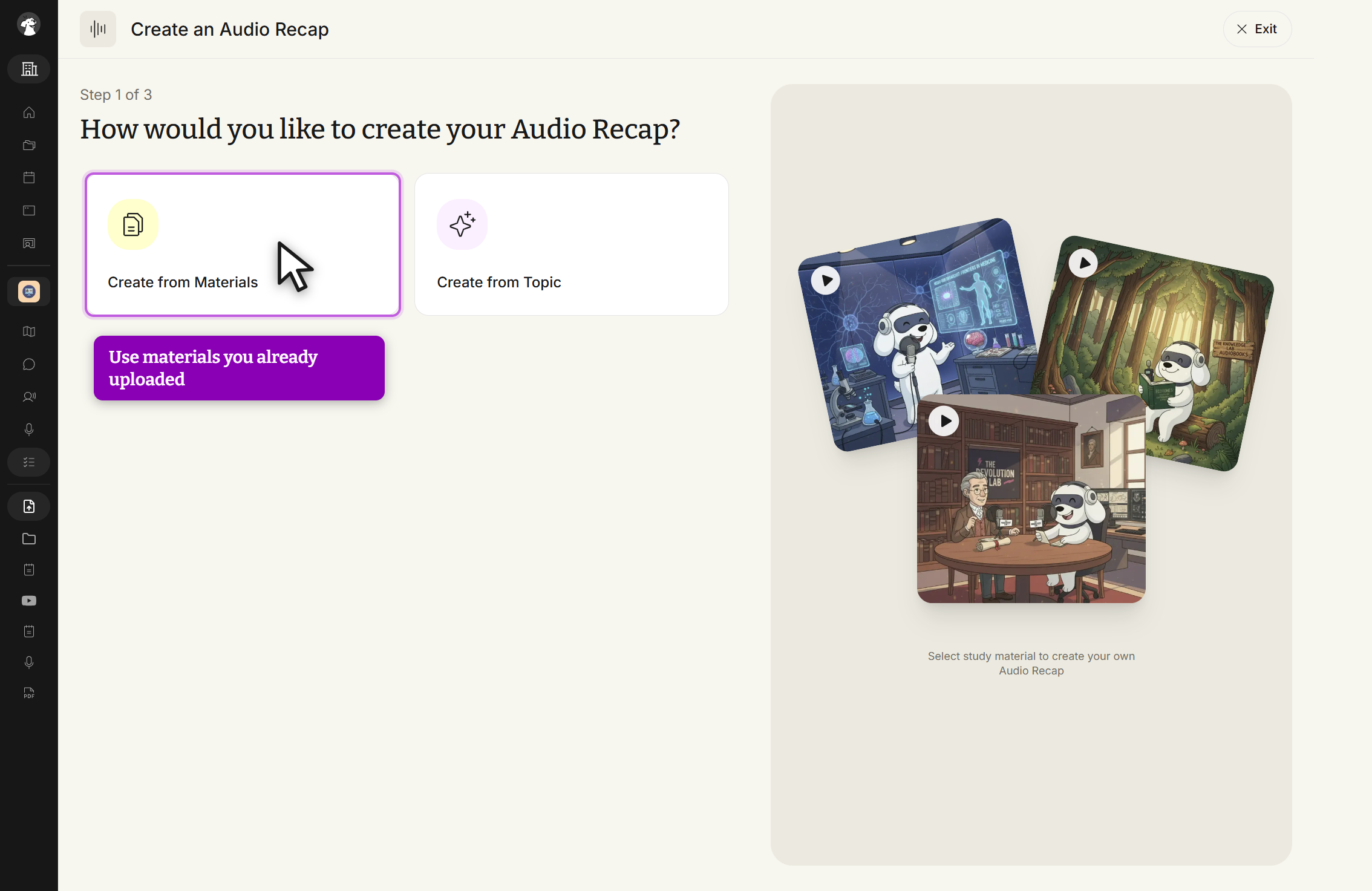
Choose Create from Materials to use study materials you've already uploaded, or Create from Topic to generate a recap from a prompt.
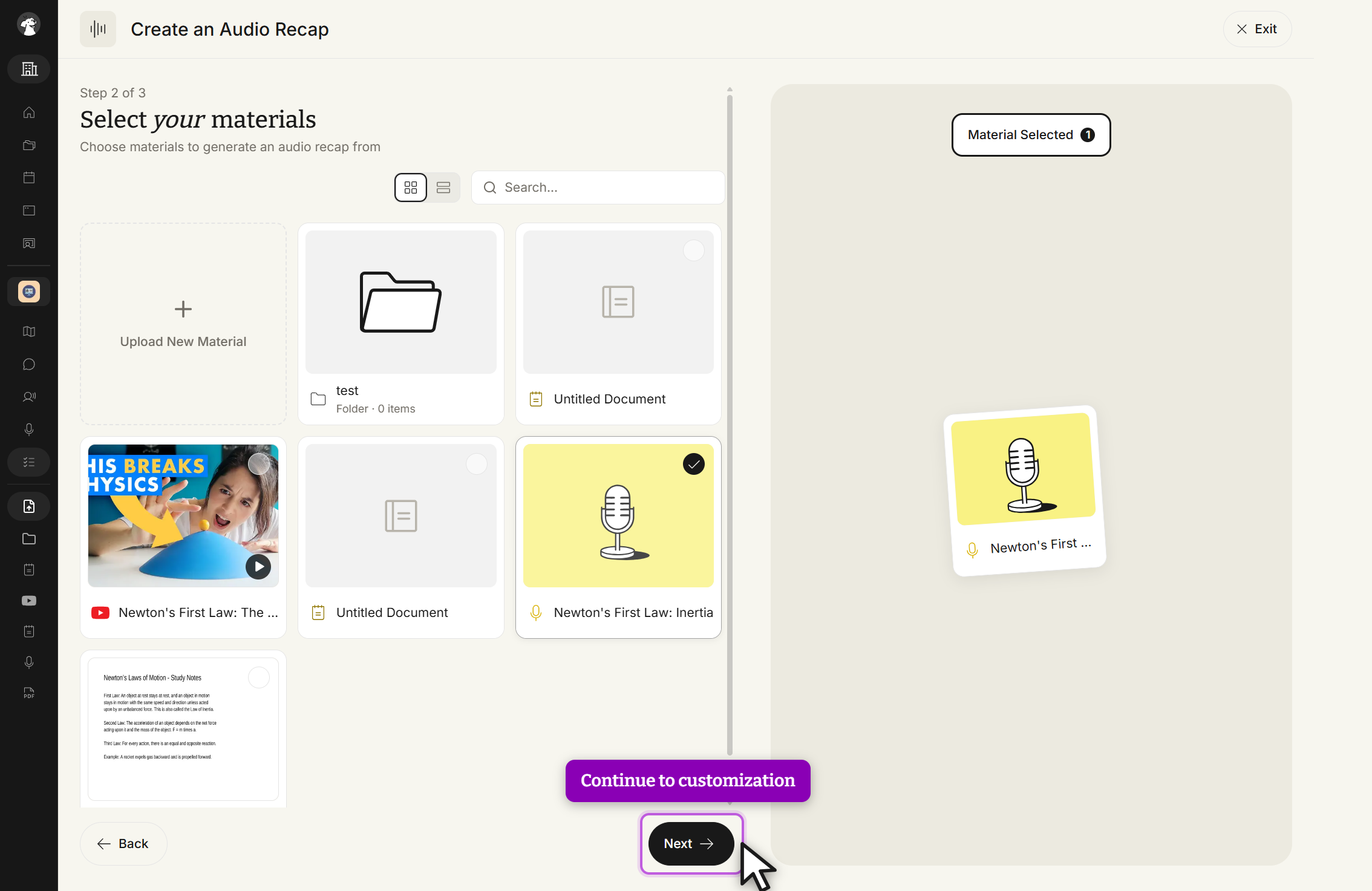
After selecting Create from Materials, choose the uploaded materials to include (documents, folders, or linked videos), then click Next.
Create from Topic works the same way, but prompts you for a topic, an optional web-search toggle, and an optional theme instead of a materials list.