Open Tutor Me
Start from your Study Set dashboard and choose Tutor Me from the left navigation.
 StudyFetch Academy
Product docs
Tutor Me turns your study materials, topics, or screen into a real-time tutoring session with Sparky. Use it when you want guided explanations, a structured lesson plan, and the option to speak or chat as you learn.
Start from your Study Set dashboard and choose Tutor Me from the left navigation.
Existing sessions stay on the Tutor Me page so you can return to a lesson later.
Start from materials, a topic, or Screenshare depending on what you want to learn.
From the left side of your dashboard, click Tutor Me.
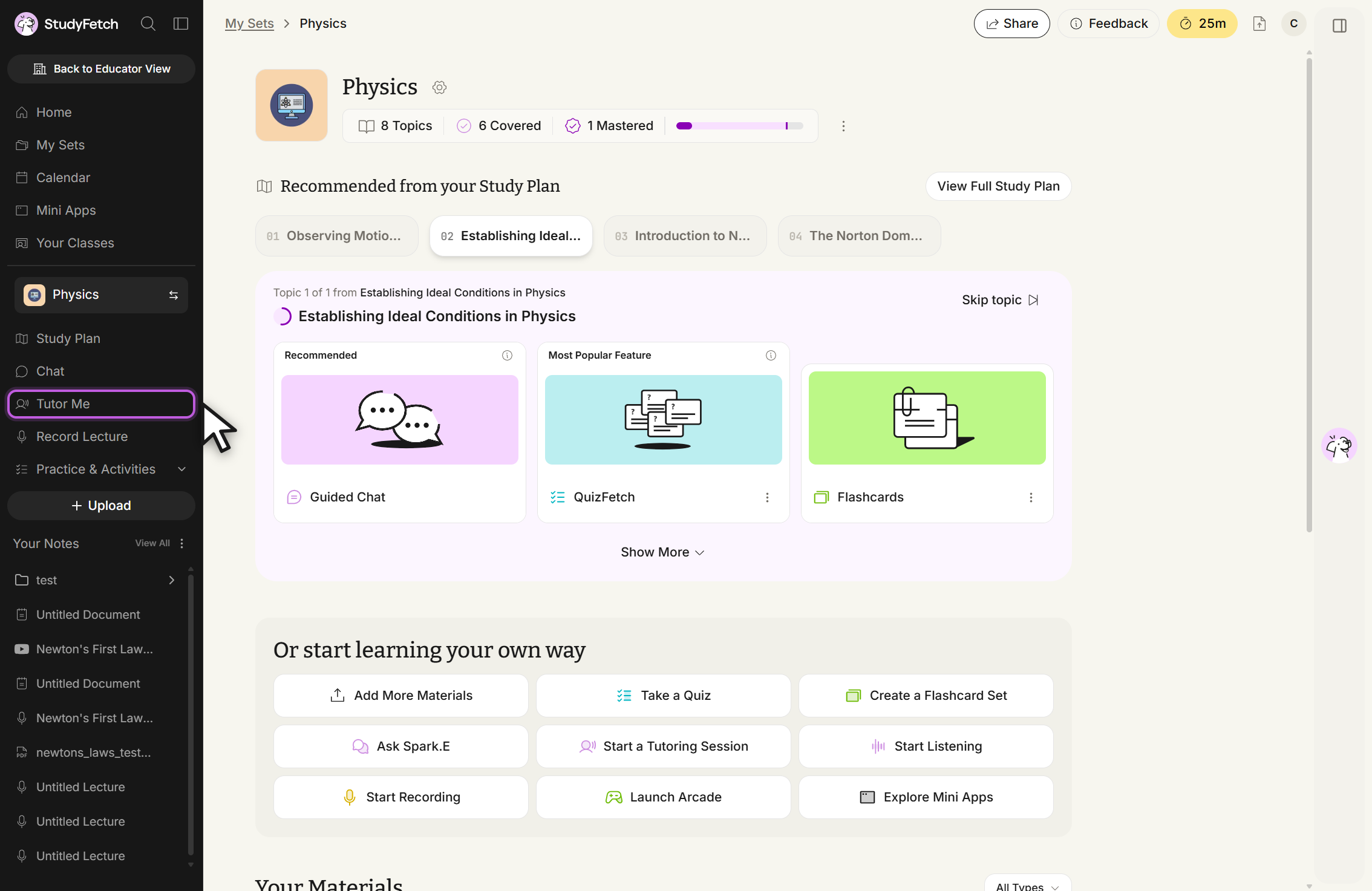
Review any Tutor Me sessions already associated with the Study Set.
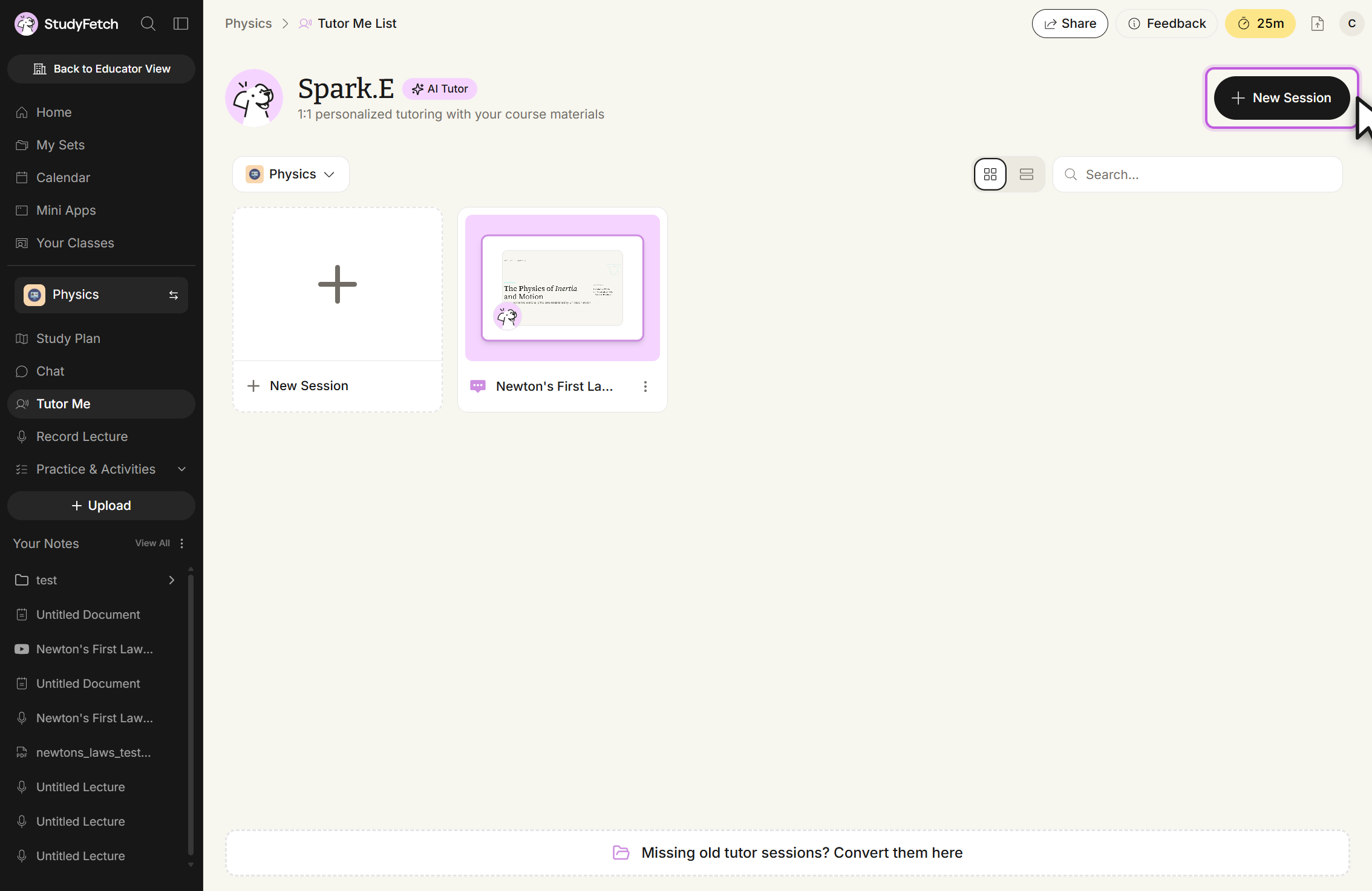
To open an existing Tutor Me session, click the name of the material or topic associated with that session.