Product docs
Create a Practice Test
Introduction
The Test feature allows you to create customized practice tests based on your study materials. These tests help you assess your knowledge, identify areas that need improvement, and prepare for upcoming exams with personalized questions.
Accessing the Test Feature
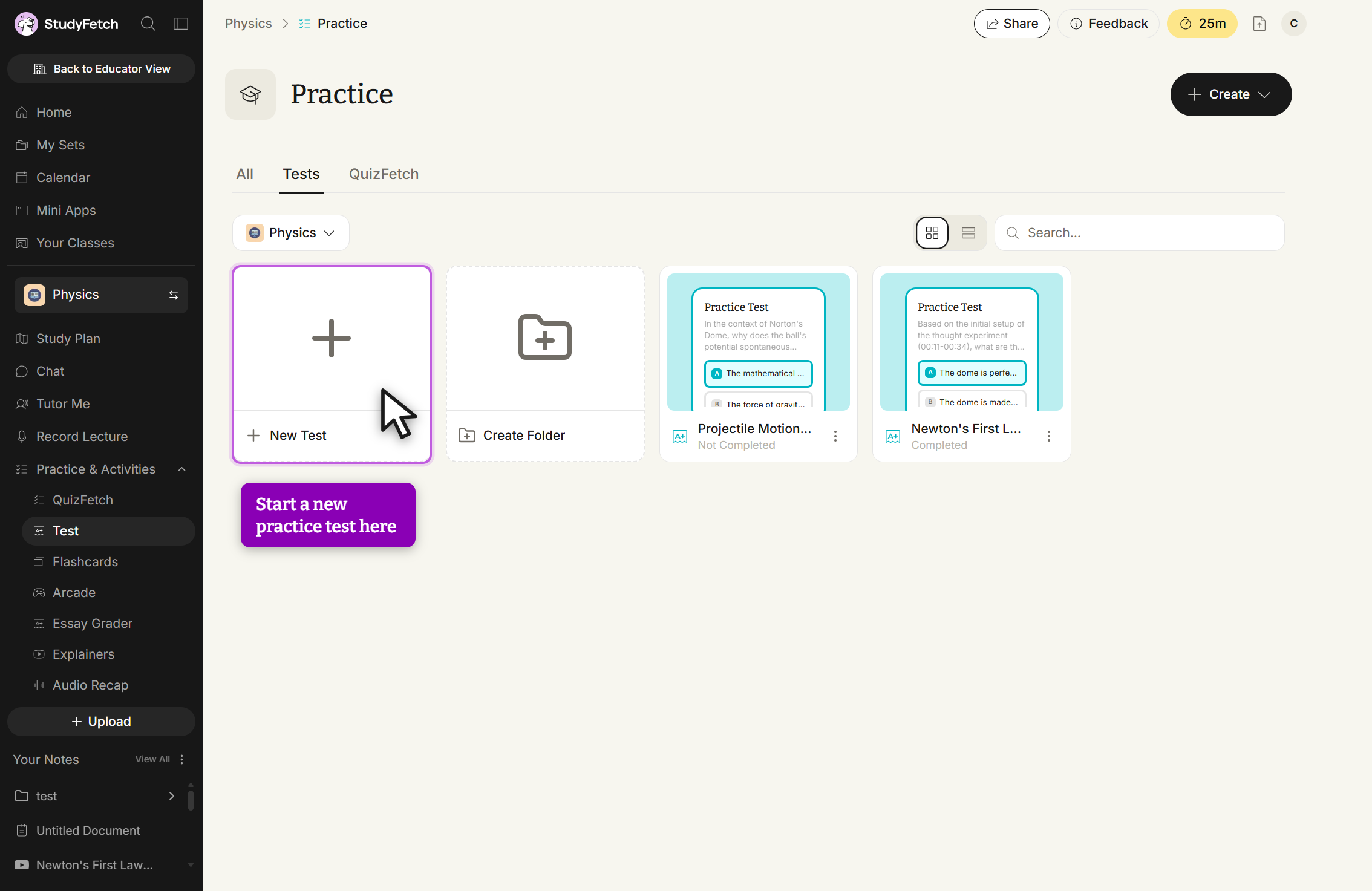
On the left-hand side of your Dashboard, click Practice and then select Test. All existing practice tests for your Study Set live here — click any of them to open it, or start a new one below.
Creating Your Test
Select + New Test to open the Create Practice Test flow, a guided 4-step wizard.
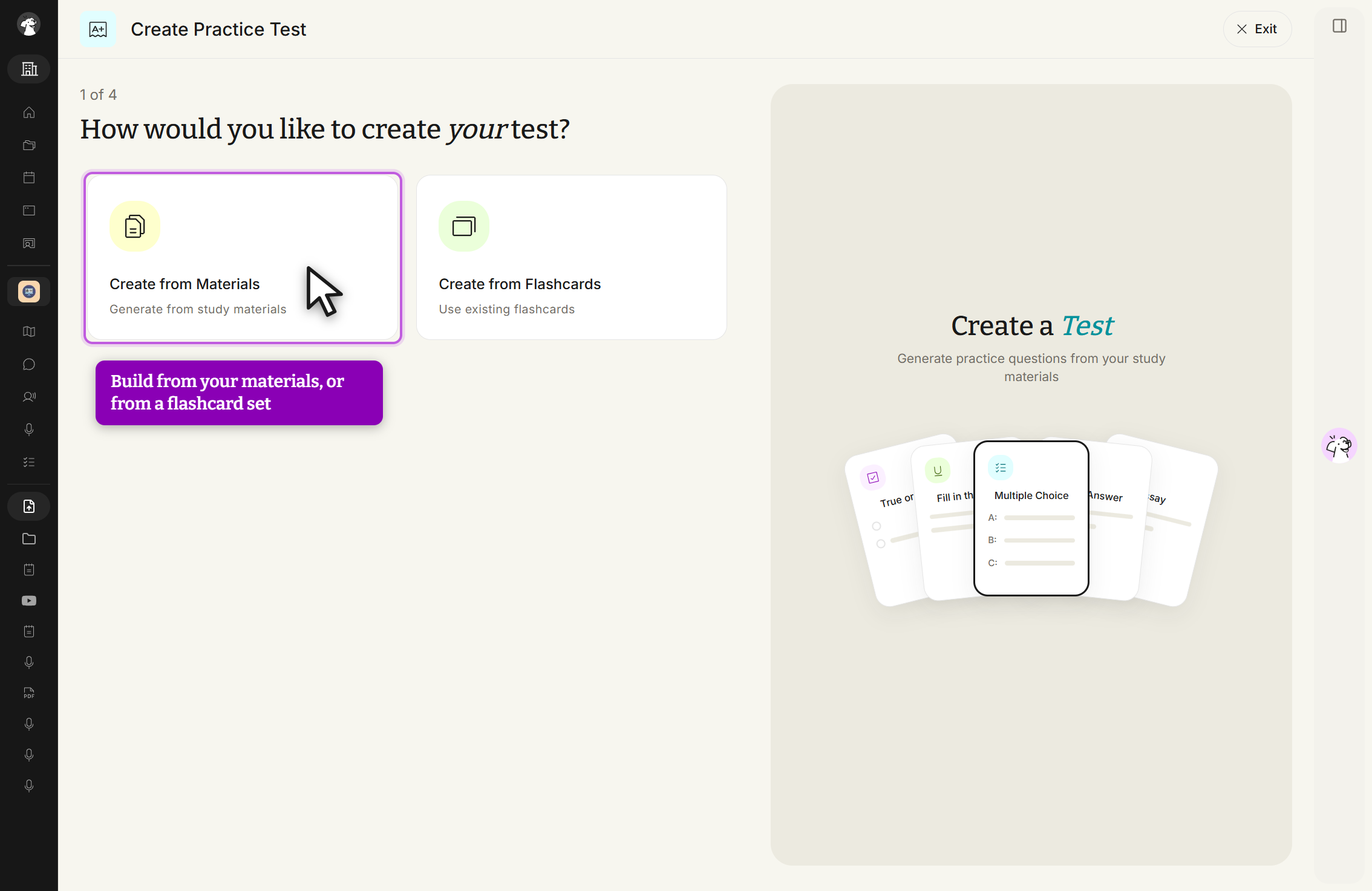
Step 1: Choose your source
Choose Create from Materials to build a test from your study materials, or Create from Flashcards to generate one from an existing flashcard set.
Step 2: Select your materials
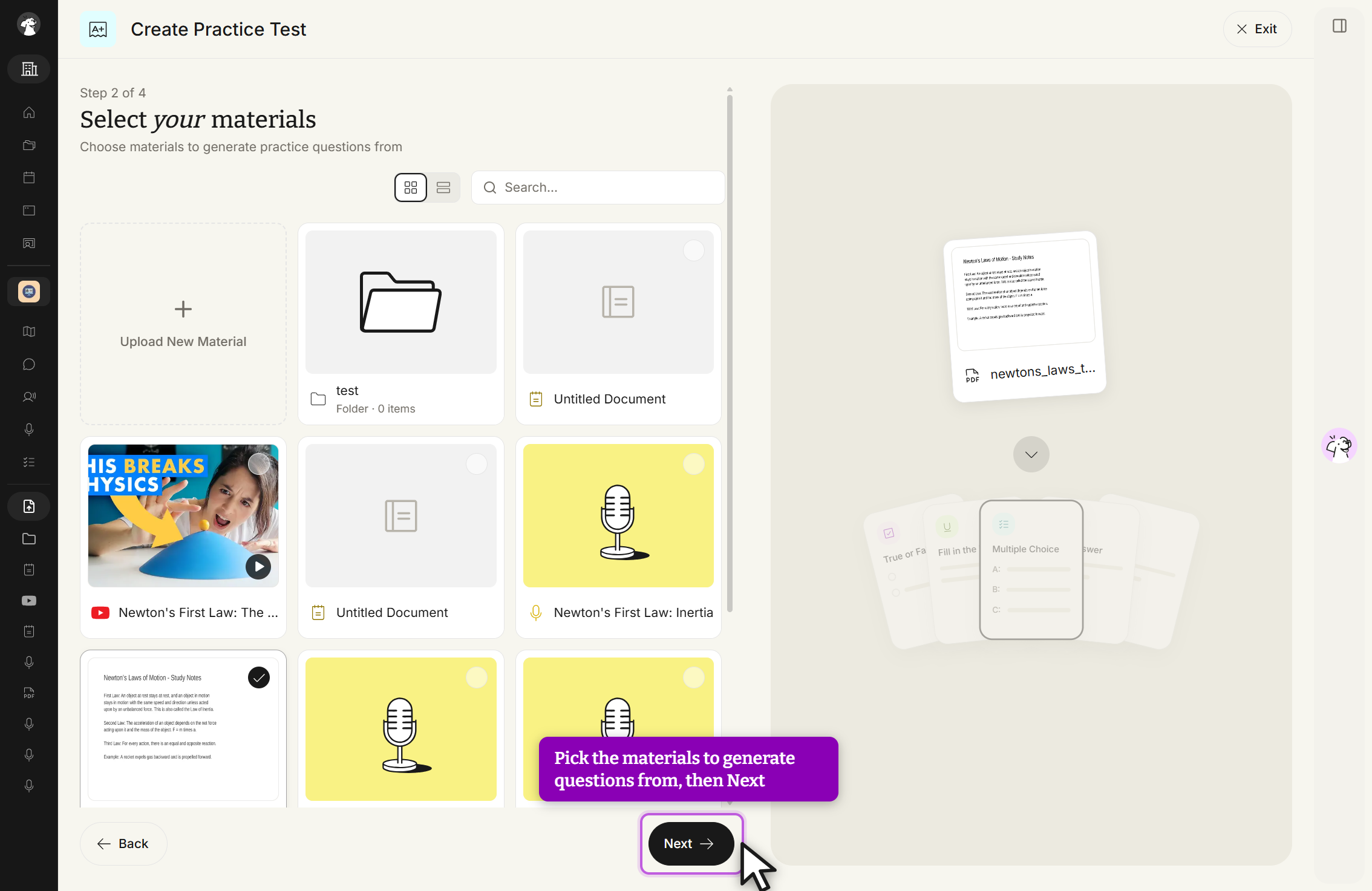
Choose which uploaded materials to generate questions from, or select + Upload New Material to add something new, then click Next.
Step 3: Choose your question types
Set the number of questions for each format — Multiple Choice, True/False, Fill in the Blank, Short Answer, Free Response, and Multi-Layered Passage — using the +/- controls or the quick preset buttons (-10/-5/-1/+1/+5/+10). A live preview of your question cards builds on the right as you go.
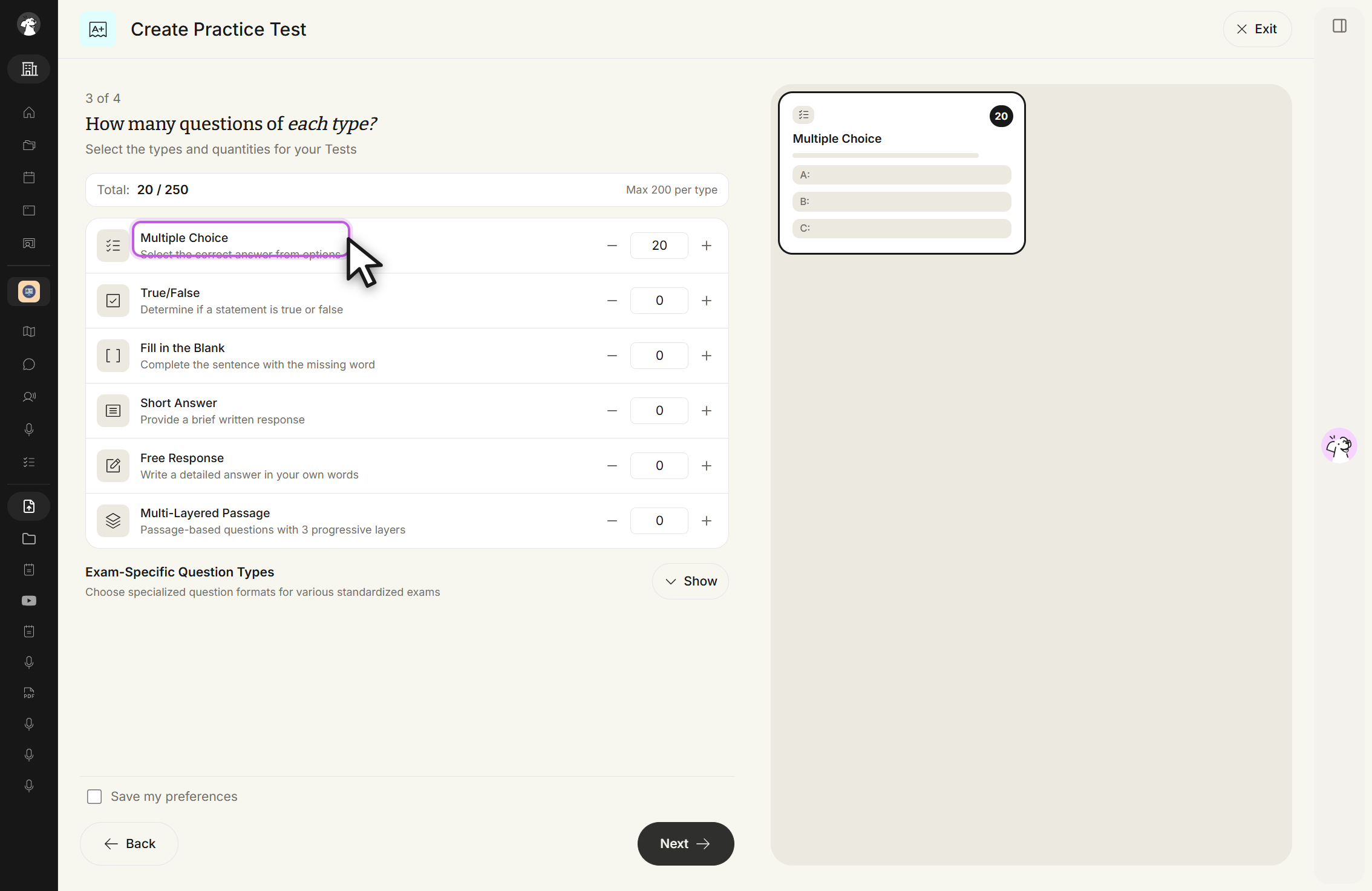
An Exam-Specific Question Types section sits below the standard types, collapsed by default. Expand it to generate questions formatted for a specific standardized exam (Medicine & Healthcare, Finance, Law School, AP Exams, and more).
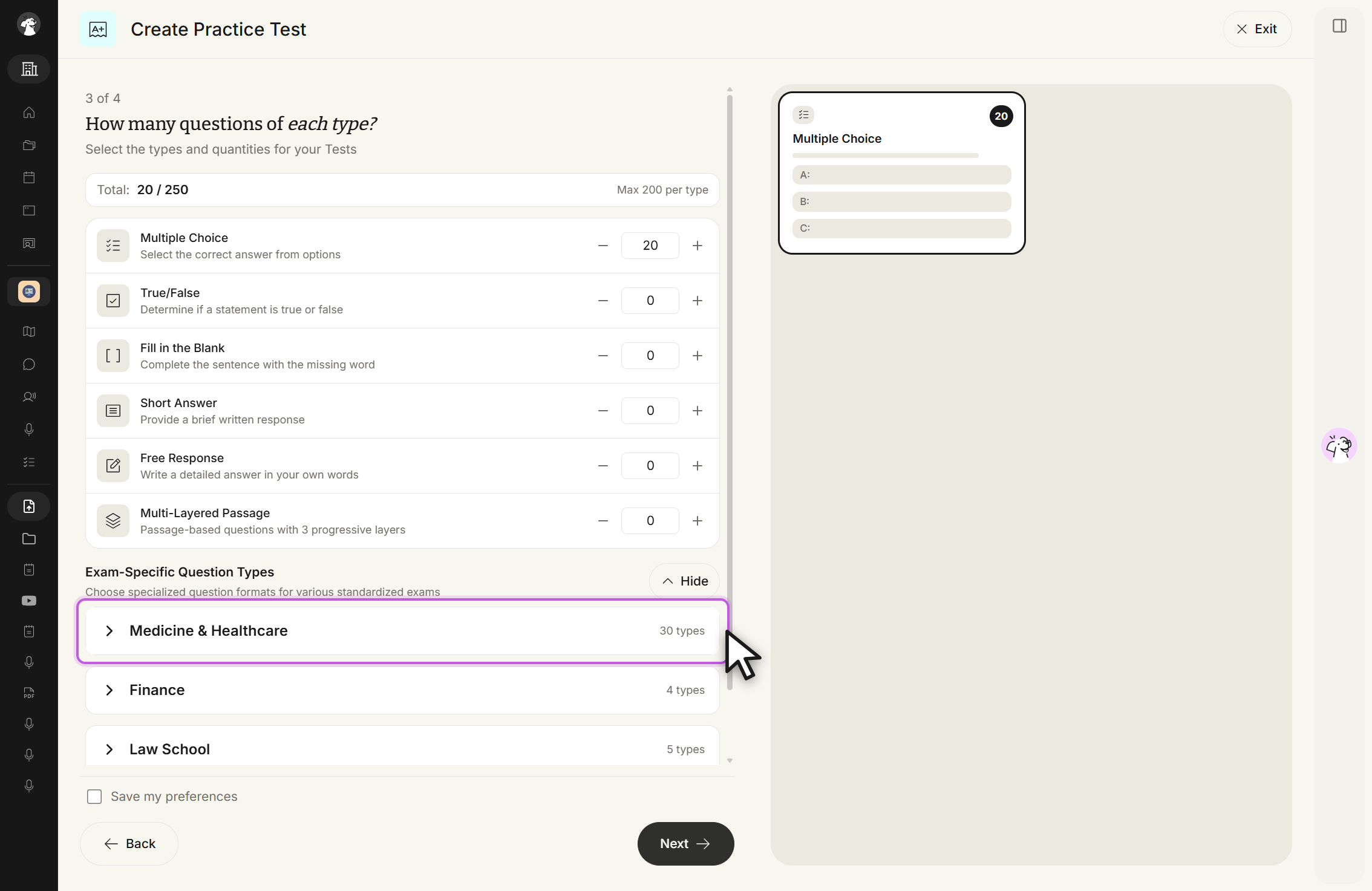
For more details, see Exam-Specific Question Types.
Step 4: Additional settings
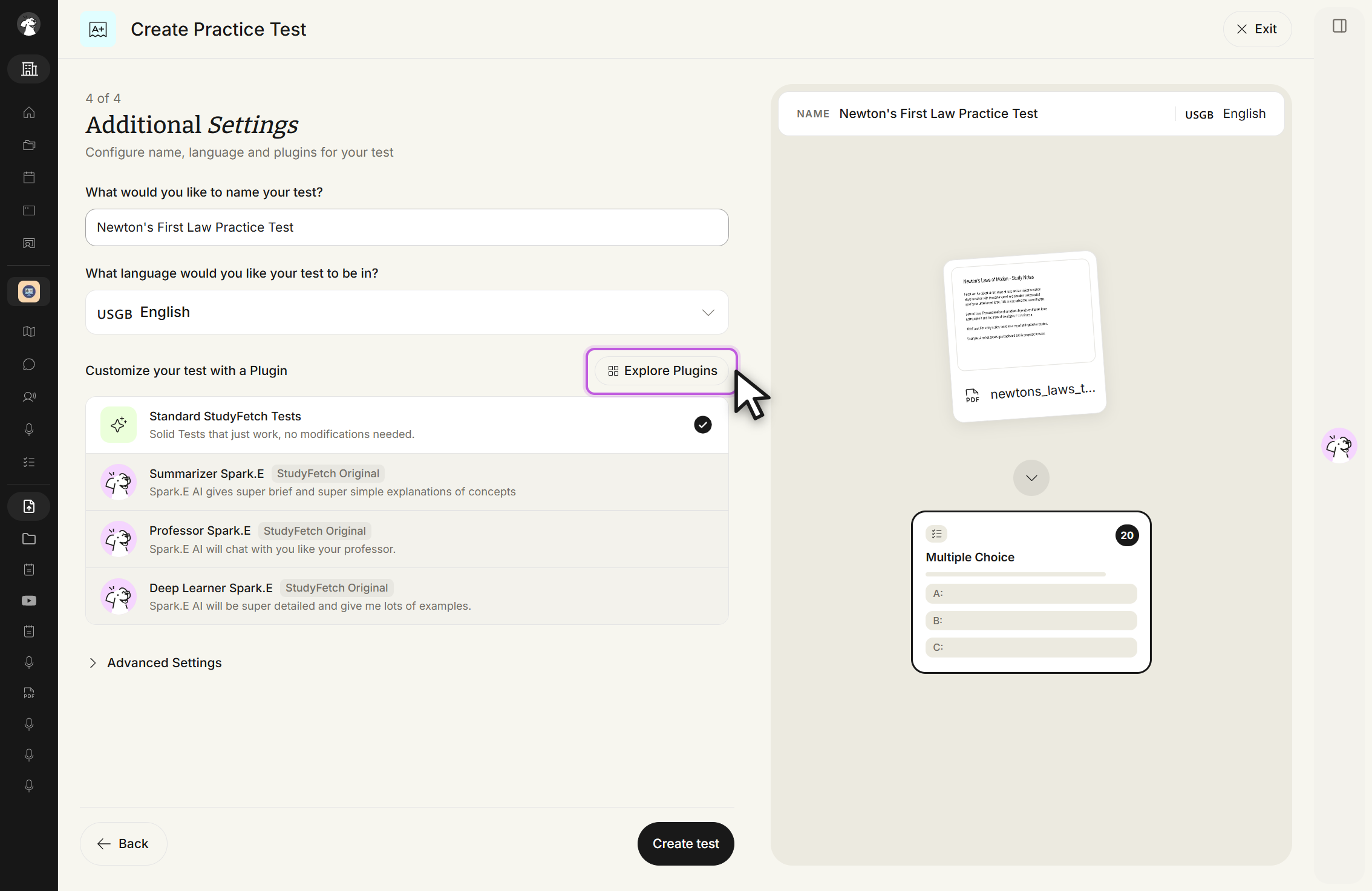
Name your test (StudyFetch will name it for you if you leave this blank), choose the test's language, and optionally customize it with a plugin like Summarizer Sparky, Professor Sparky, or Deep Learner Sparky — or select Explore Plugins to browse more or build your own.
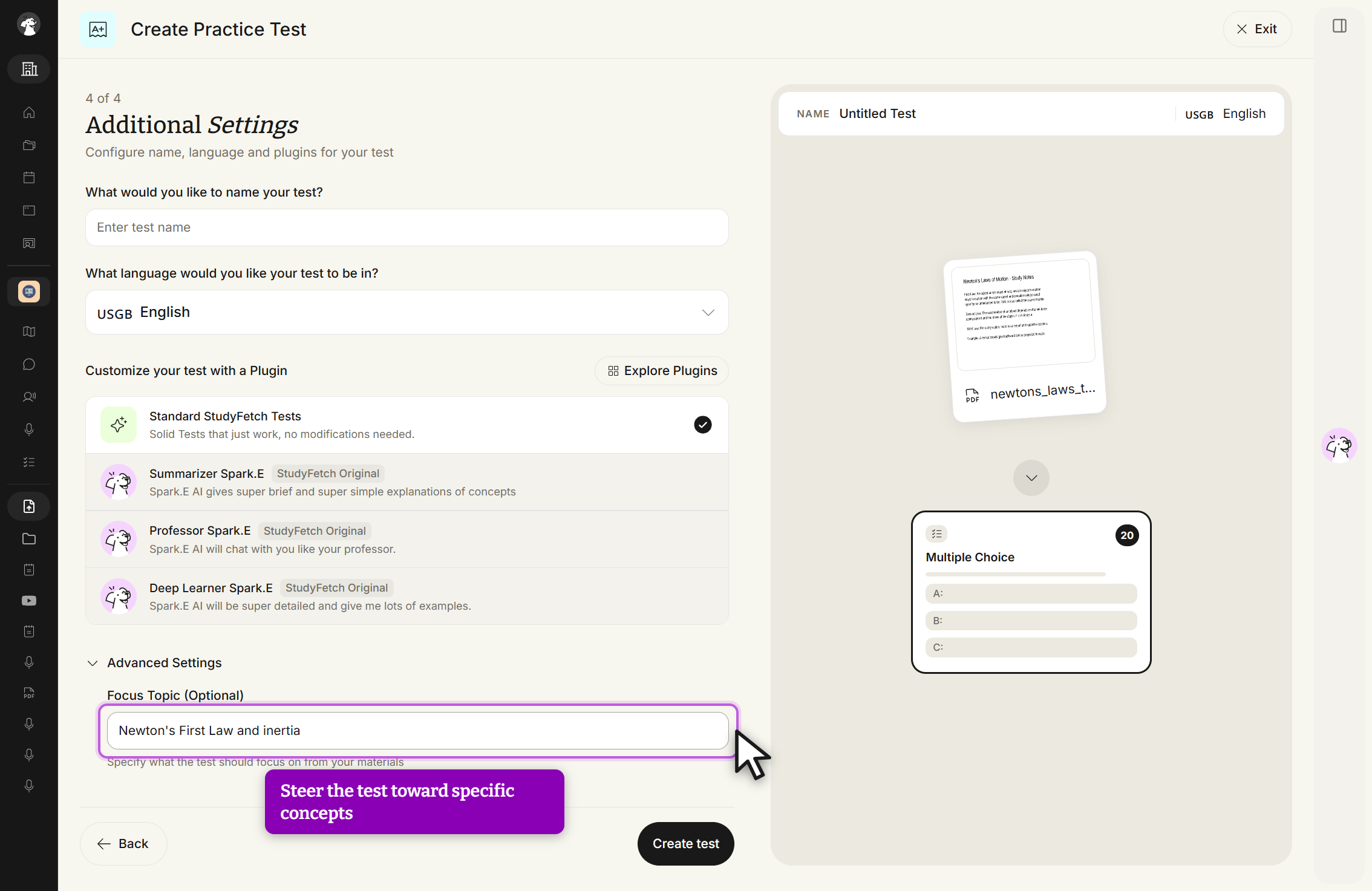
An Advanced Settings section, also collapsed by default, holds an optional Focus Topic field so you can steer the test toward specific concepts from your materials.
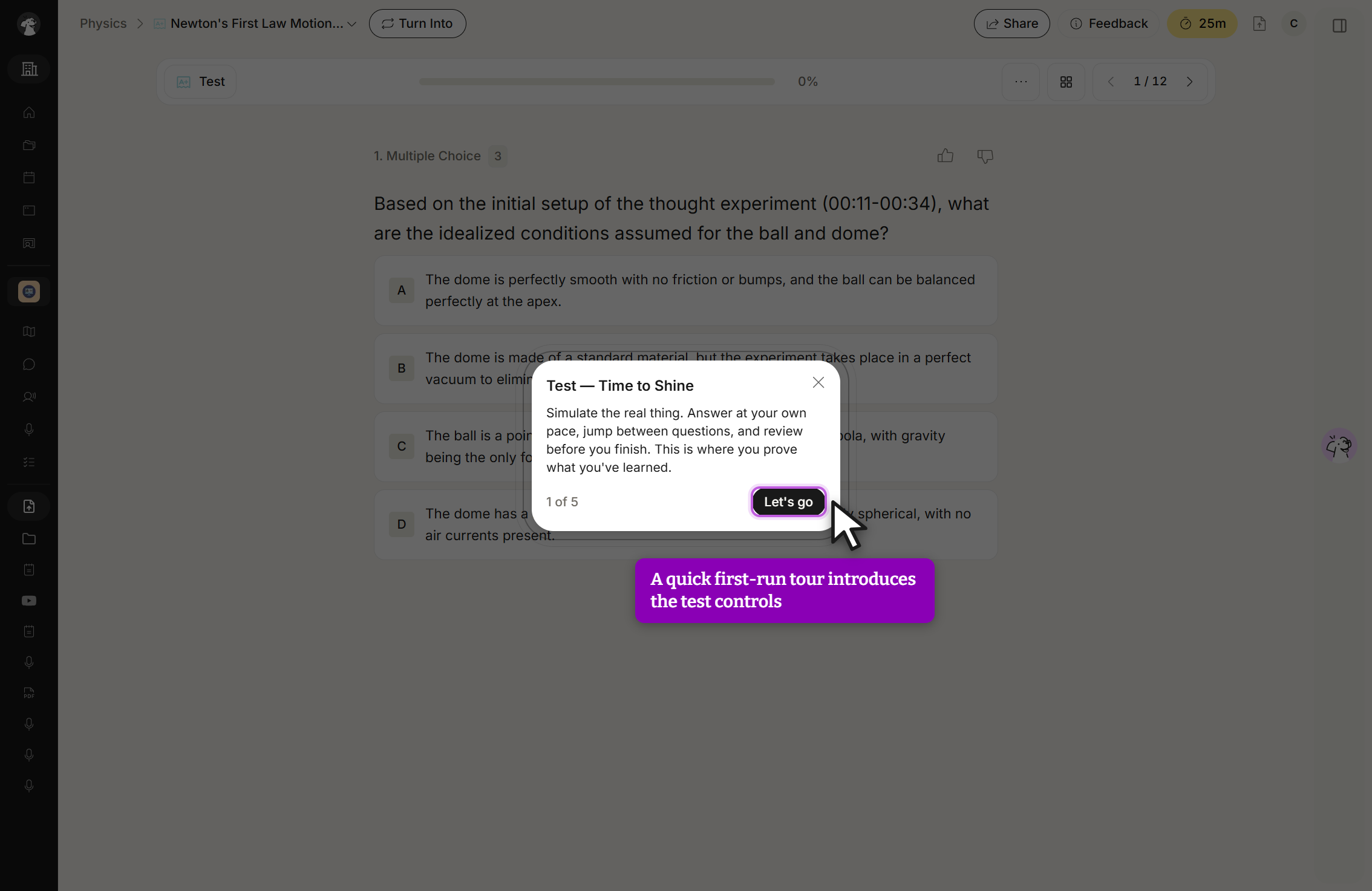
Select Create test and StudyFetch will generate your customized practice test. The first time you open a generated test, a short "Test — Time to Shine" walkthrough introduces the test-taking controls.