
Product docs
Add a Rubric and Submit
Step 3: Provide a rubric
After adding your assignment, choose whether you have a rubric:
- Yes, I have a rubric — provide your own grading criteria.
- No, skip this step — let Sparky determine the grading automatically.
Adding your rubric
If you have a rubric, choose how to add it:
- Upload Rubric — upload a PDF, DOC, DOCX, PPT, PPTX, PNG, or JPEG file.
- Paste Rubric — type or paste rubric text directly.
- Take Photos — scan a QR code and photograph a physical rubric from your phone.
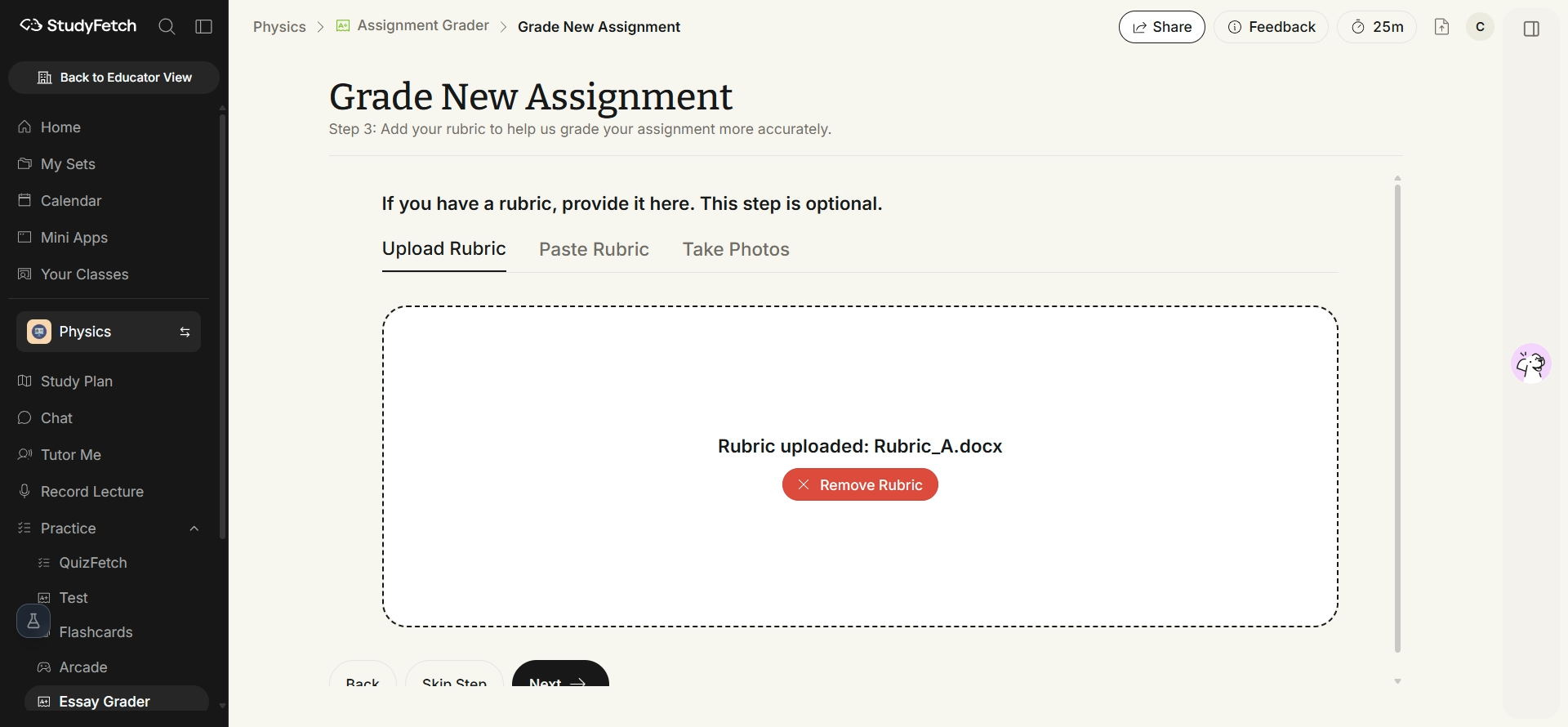
Once your rubric is added (or skipped), click Next to review your assignment details and submit for grading — see Submit an Assignment.