Product docs
Arcade Tutorial
Love games? Ready to make learning fun?
Introducing Arcade - the ultimate way to turn your study materials into exciting, interactive games!
How to use the Arcade feature
- In the lefthand sidebar, open Practice and choose Arcade.
- You'll land on the Arcade list: your own games under My Games, or community games under Explore (sort by Similar, Latest, or Popular). Each card shows the game type, creator, and play count.

Creating a Game
- Click + Create Game. Choose how to build it: Create from Materials, Create from Topic, or Create from Flashcards.
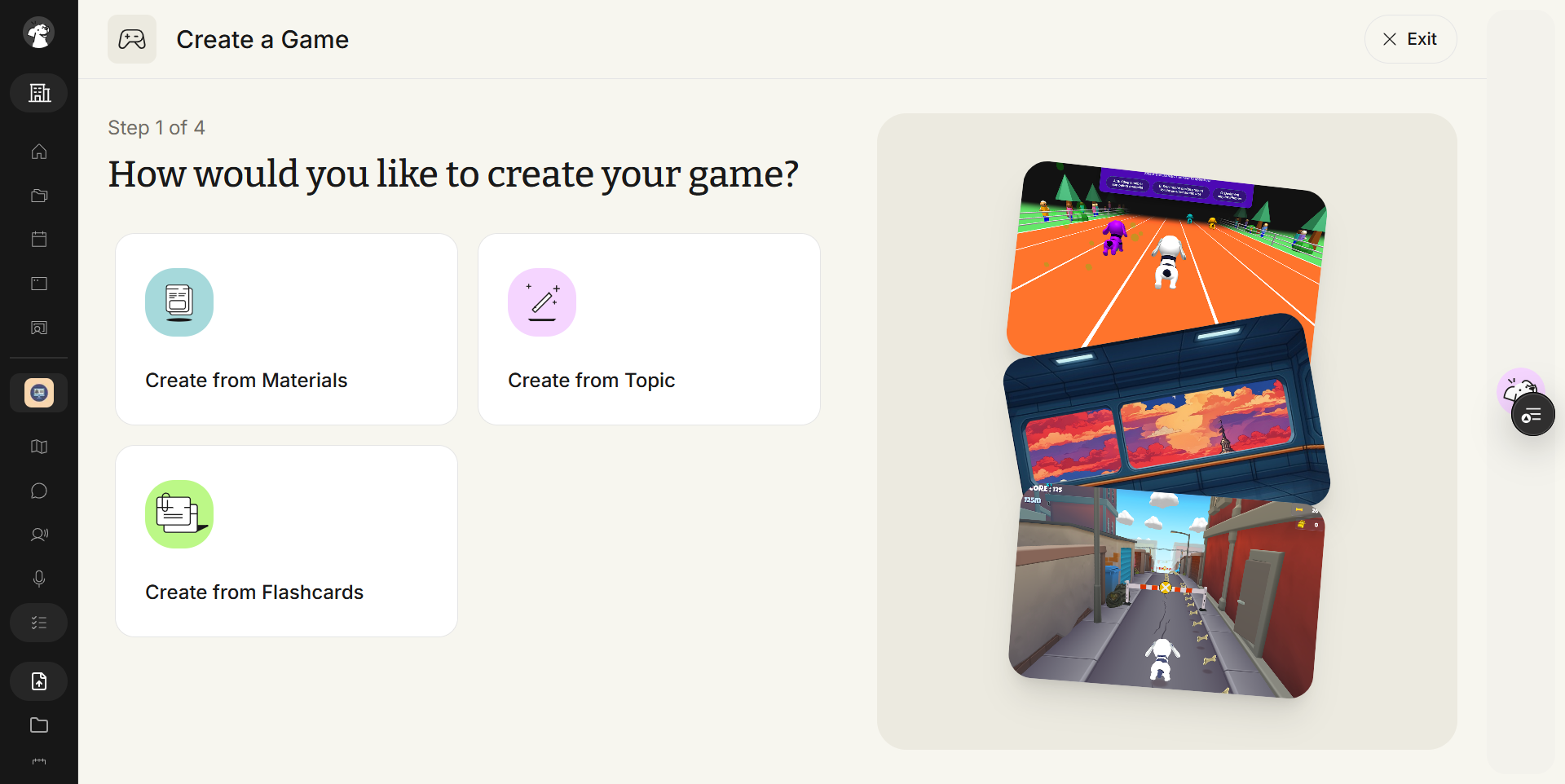
- If creating from a topic, type in what you want to learn about. If creating from materials or flashcards, pick from what's already in the Study Set.
- Next, select a game type. There are now 8 to choose from: Match Game, City Run, Rocket Defender, Platform Jump, Track Race, Jetpack Quiz, Cloud Bridge, and Quiz With Friends (multiplayer).

- Optionally give your game a name and a style (for example "Retro 80s," "Neon Cyberpunk," "Space Adventure" — anything you can think of). A live preview card updates as you type.
- Click Create a Game.

- Once your game finishes generating, click Play Game. You'll see brief instructions for the selected game type — click Start Game when ready.

- Enjoy the game while you learn!