Ask and clarify
Type any question into the chat panel while a lesson is on screen. Sparky answers using the current slide as context, then offers follow-up prompts to go deeper.
 StudyFetch Academy
Product docs
Type any question into the chat panel while a lesson is on screen. Sparky answers using the current slide as context, then offers follow-up prompts to go deeper.
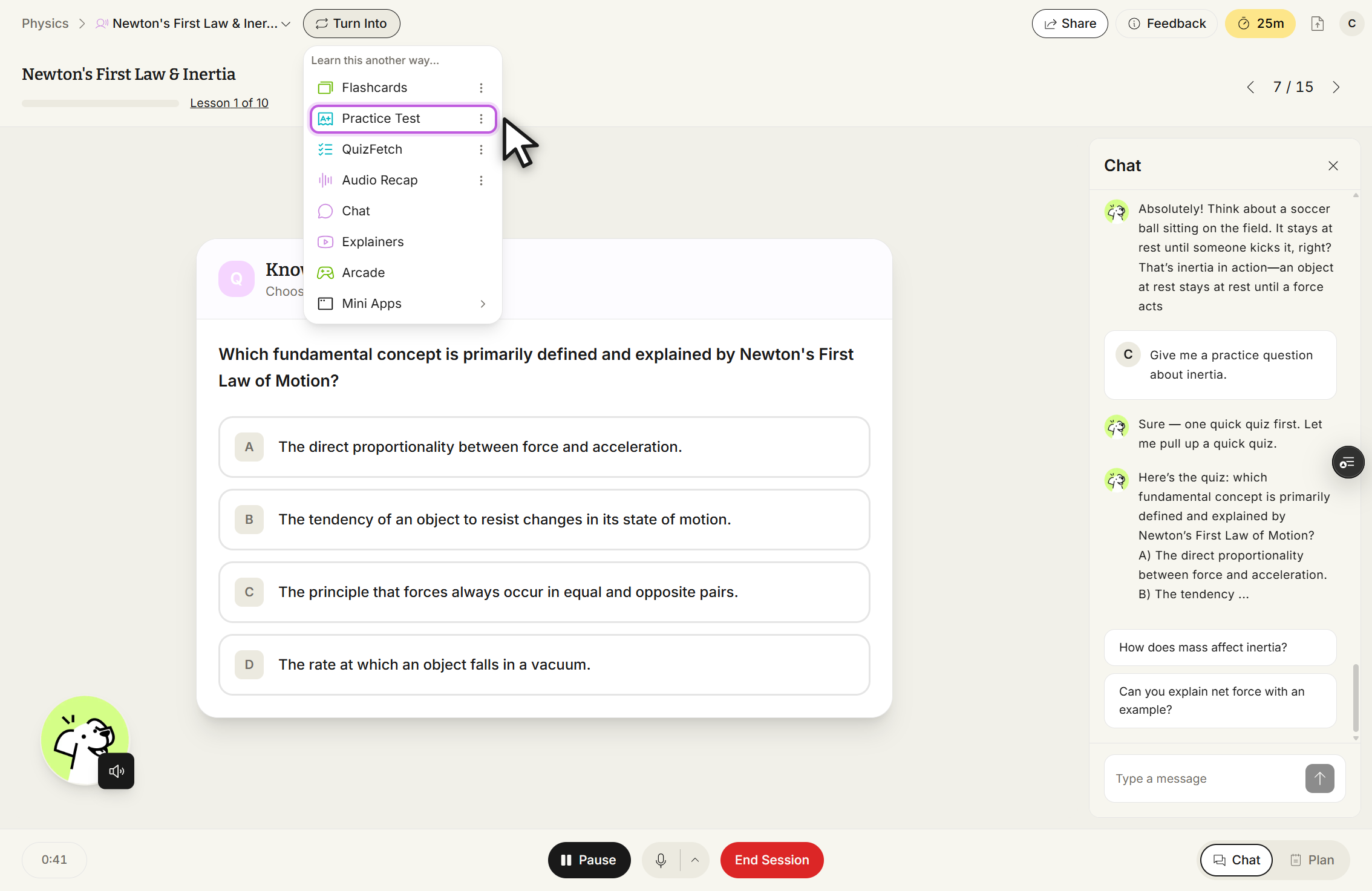
Ask Sparky to check your grasp of a concept. It will summarize back, ask a clarifying question, or point you to the section that covers it.
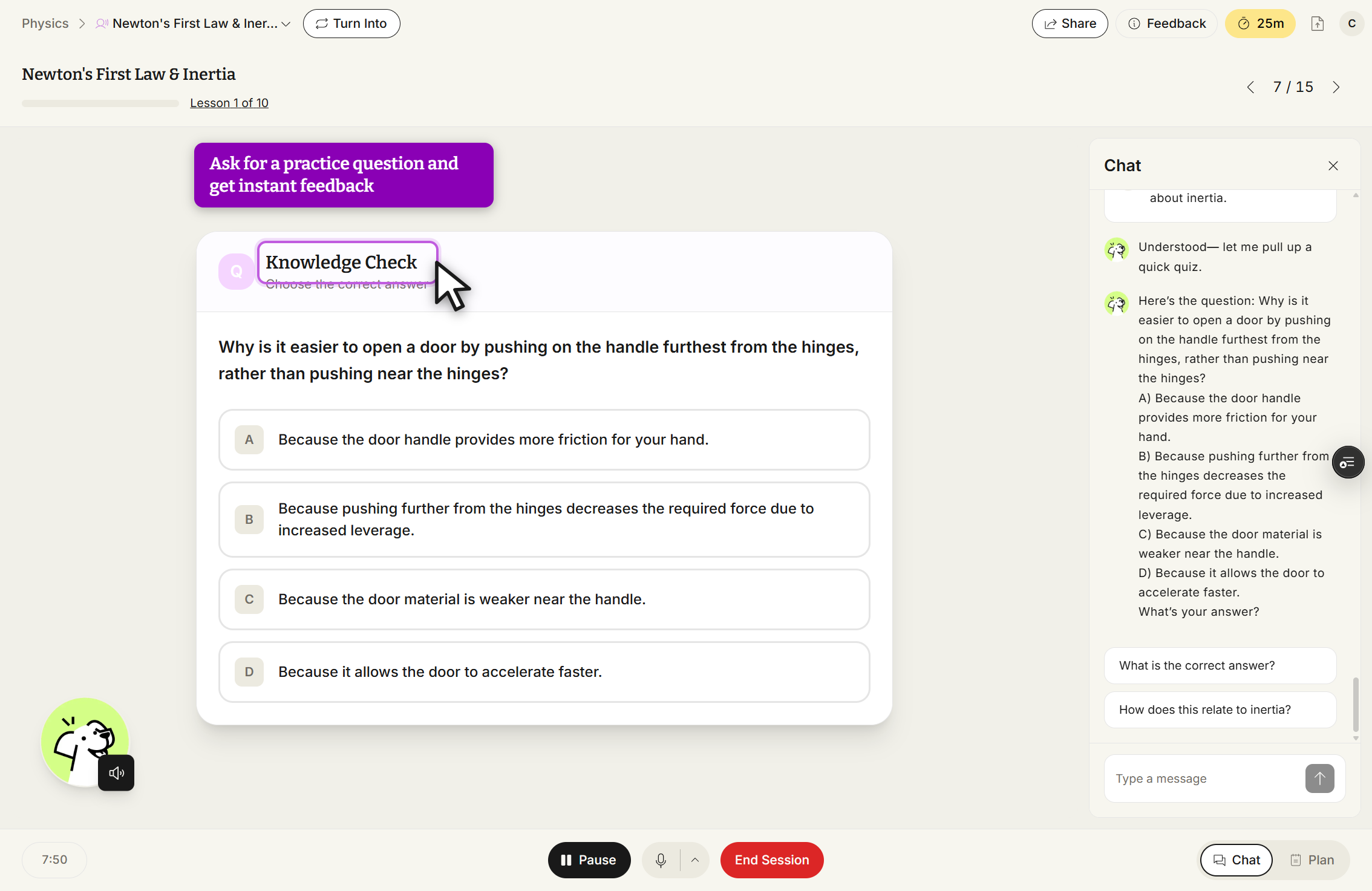
Request a practice question at any point. Sparky generates one from the current material and gives instant feedback on your answer.
The chat panel stays open alongside the lesson. Ask a direct question — "Can you give me a real-world example of inertia?" — and Sparky answers using the slide you're on, then suggests a natural next question to keep the conversation going.
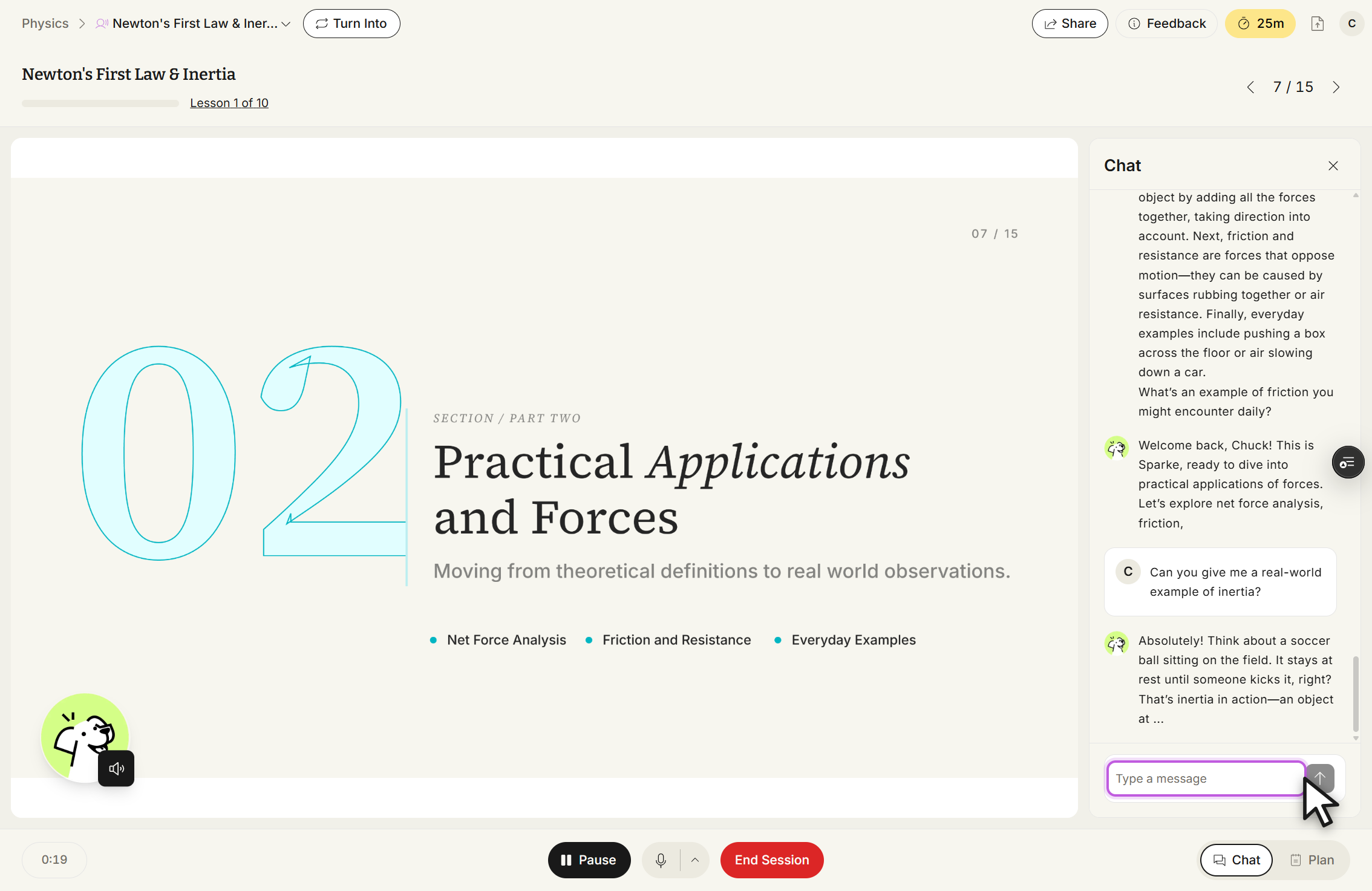
Use the same chat to confirm your understanding — ask Sparky to explain a concept back to you, or to check whether your own explanation holds up. It responds conversationally and points back to the relevant part of the lesson when needed.
Ask for a practice question at any time. Sparky writes one from the material you're currently studying, you choose an answer, and it grades you immediately with an explanation.