Product docs
How to Delete Your StudyFetch Account
If you wish to delete your StudyFetch account, please follow these steps:
- Access Settings:
- Log in to your StudyFetch account.
- Click on your account icon in the top right corner of the screen.
- Select "Settings" from the dropdown menu.
- Navigate to Privacy & Data:
- On the Settings page, click the "Privacy & Data" tab.
- Delete Account:
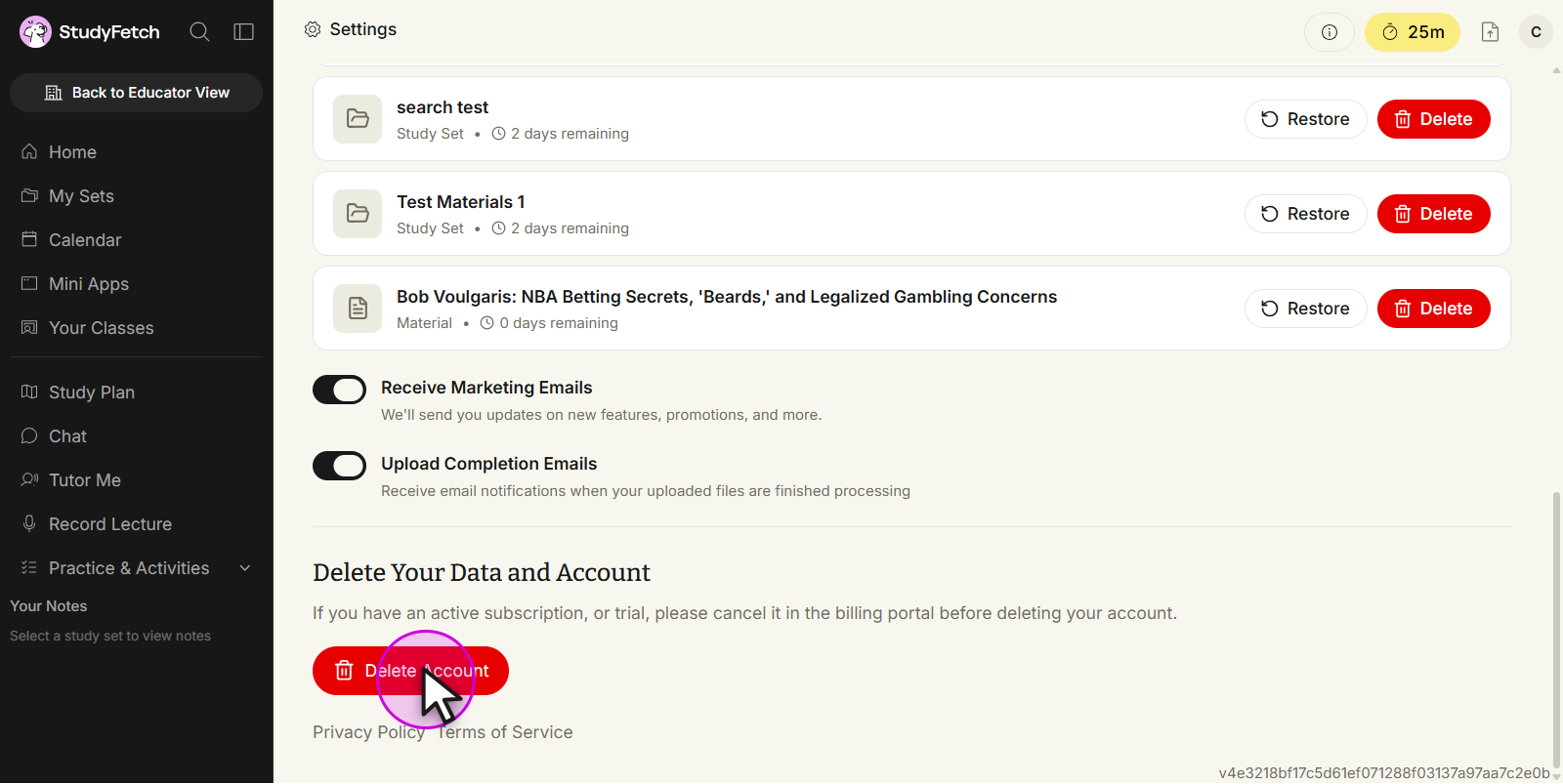
- Scroll down to the "Delete Your Data and Account" section.
- Click the "Delete Account" button.
- Confirmation:
- You may be asked to confirm your decision to delete your account.
- Follow any additional prompts to complete the deletion process.
If you encounter any issues or have further questions, please contact our support team.